What does a database-as-a-service look like?
v0: Building a demo
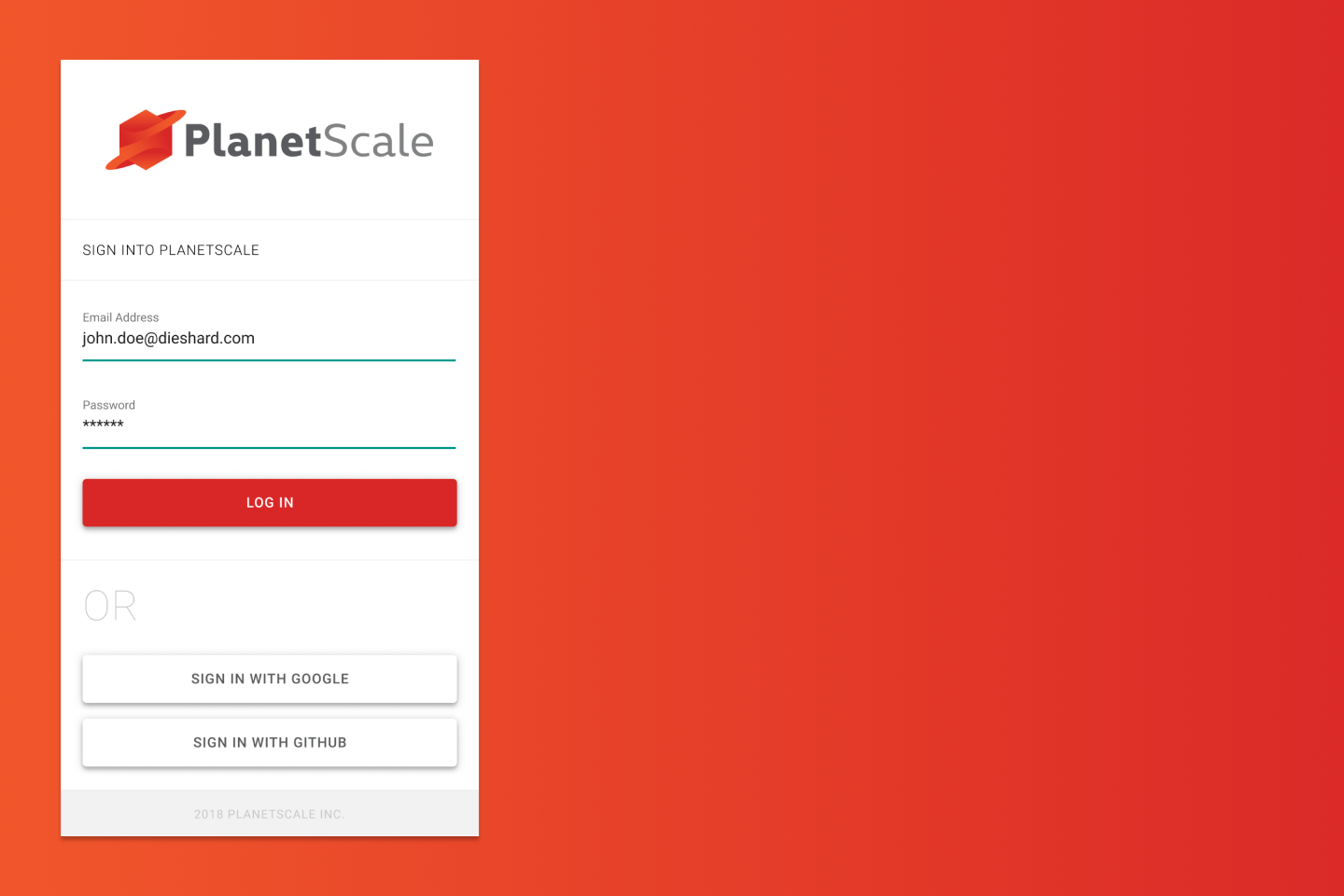
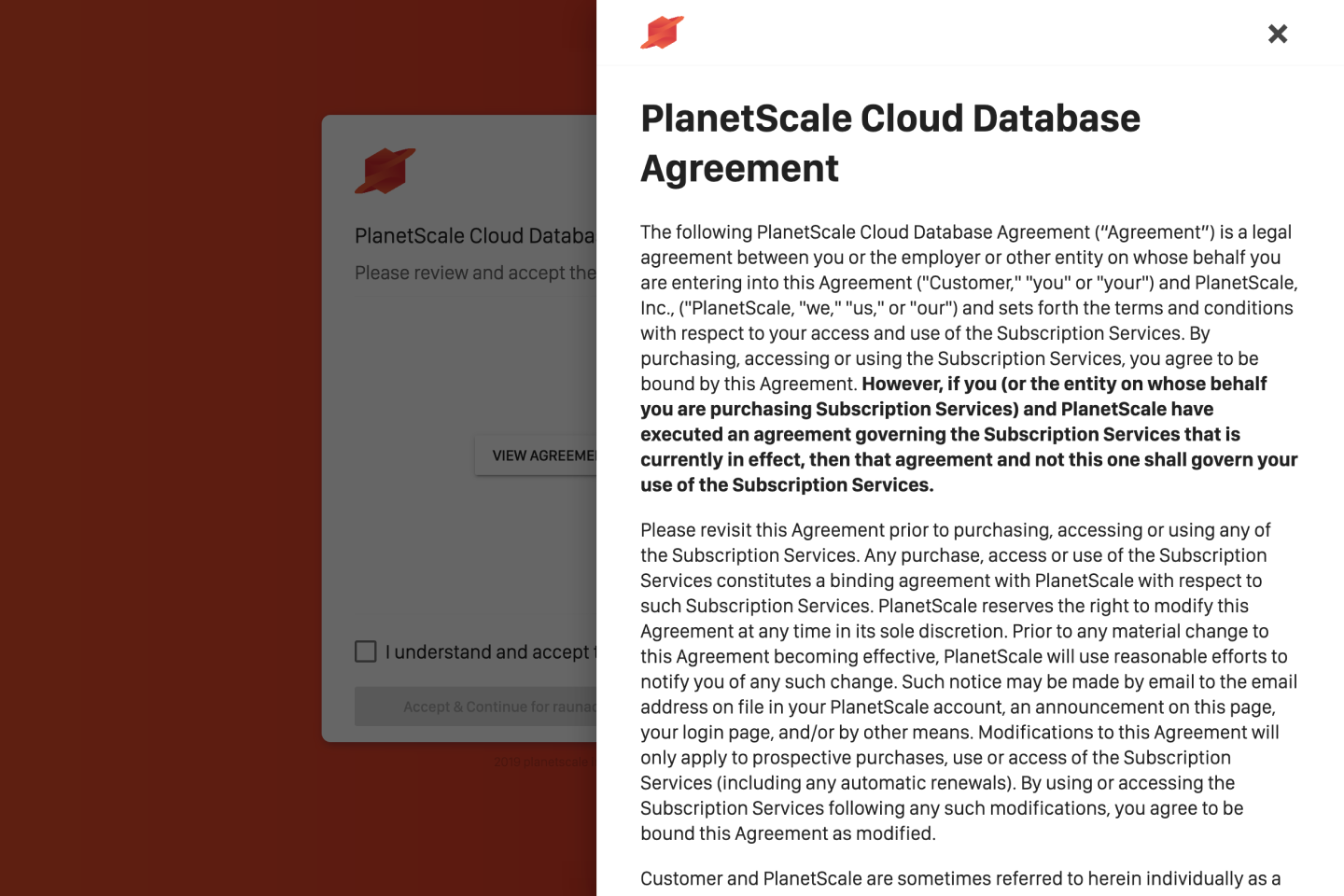
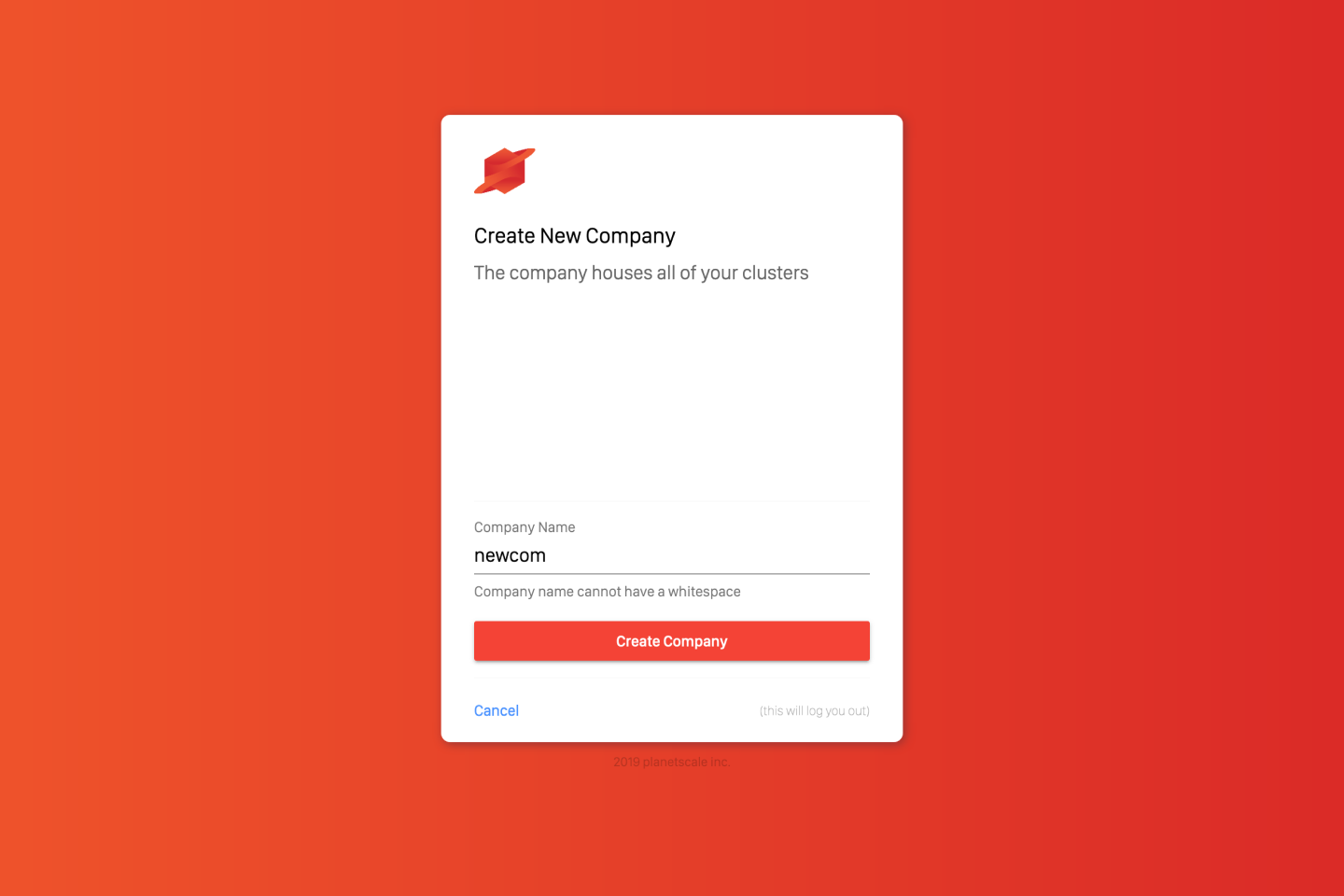
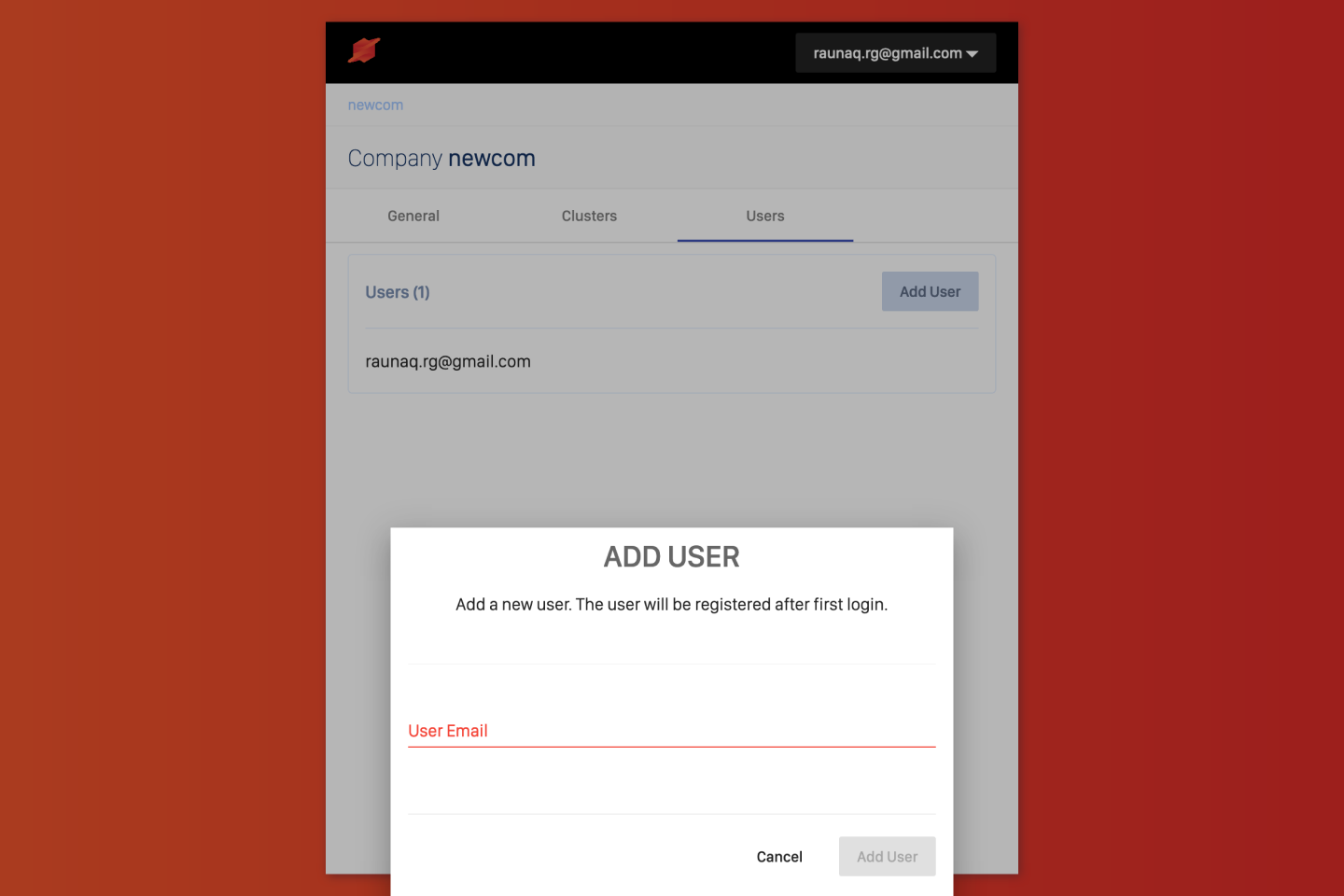
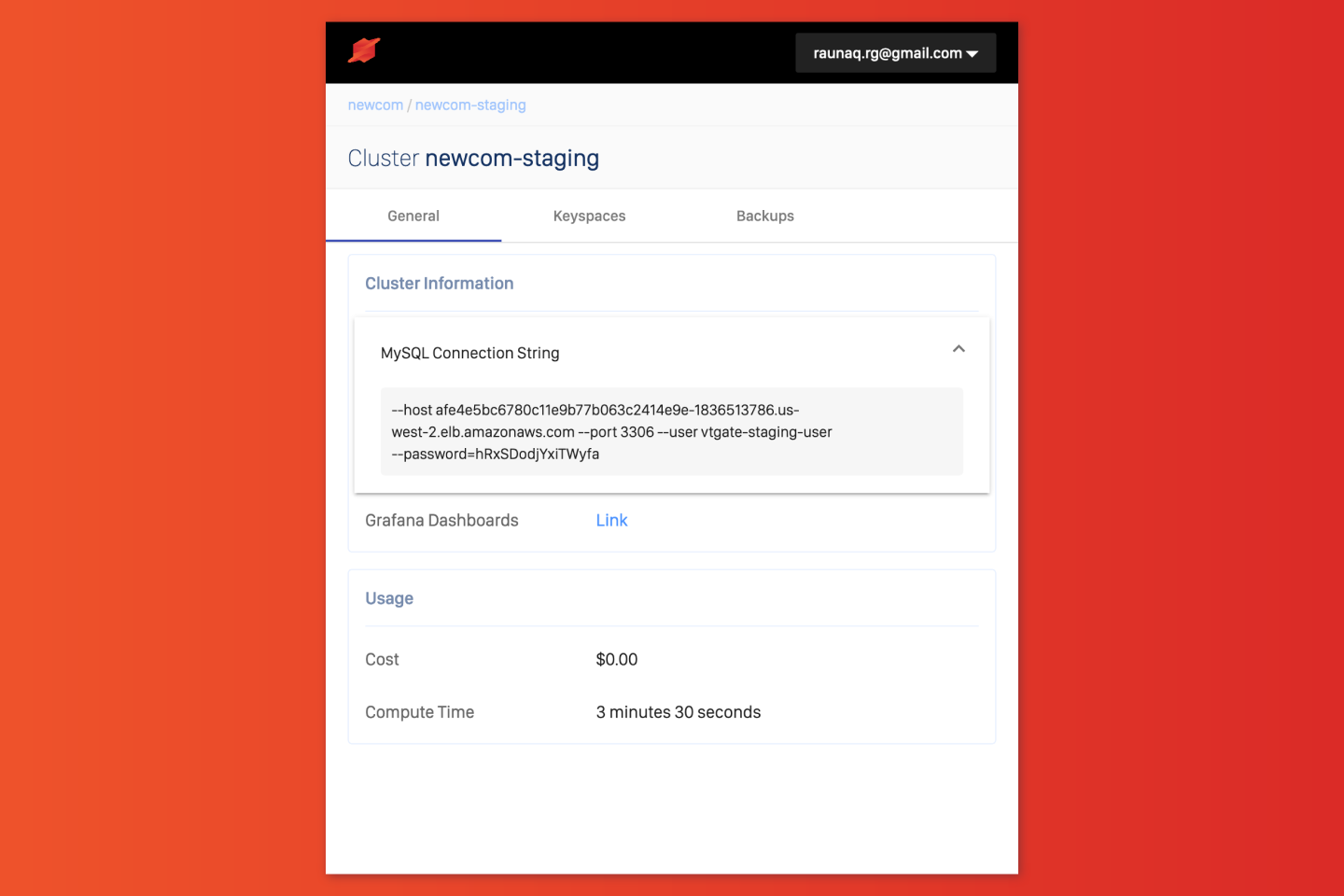
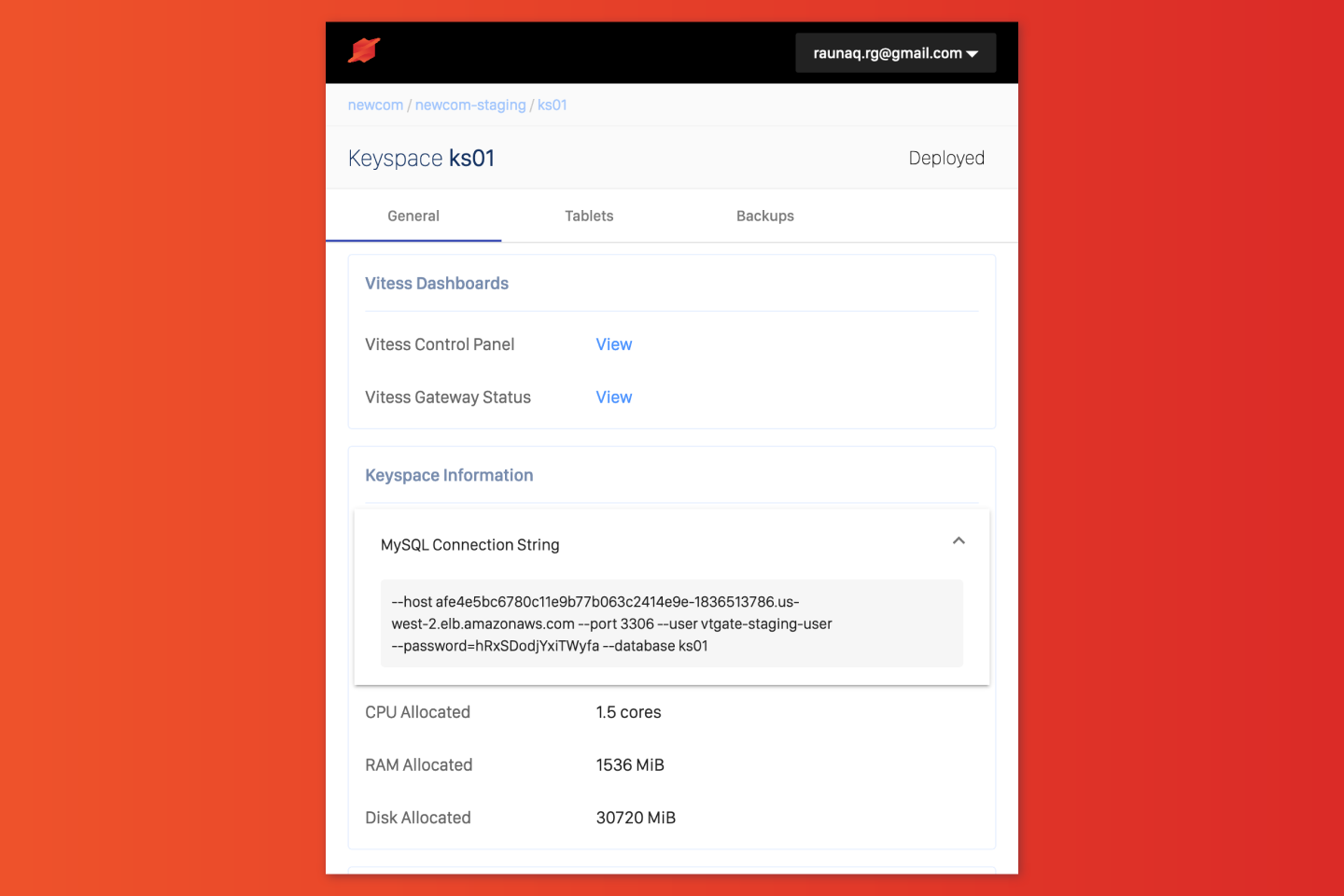
The very first version of the web application was purely to demo the core APIs being developed in tandem. The UI let a user create an account, create a company, add users to the company, create database clusters, and create keyspaces within those clusters. Amongst a garish orange backdrop.
How does one sell sharding?
Sharding lets you split your database into smaller, more manageable pieces, called shards. Each shard can be hosted on a different server, allowing for better performance and scalability. This was the core value proposition of PlanetScale, but it was also a complex concept to grasp for new users.
Design outcomes were focused on making sharding more approachable, and selling its benefits without overwhelming users with technical jargon.
Improving dashboards
The database’s sharding configuration was visually made more striking to make it easier to understand the databases’ current setup at a glance.
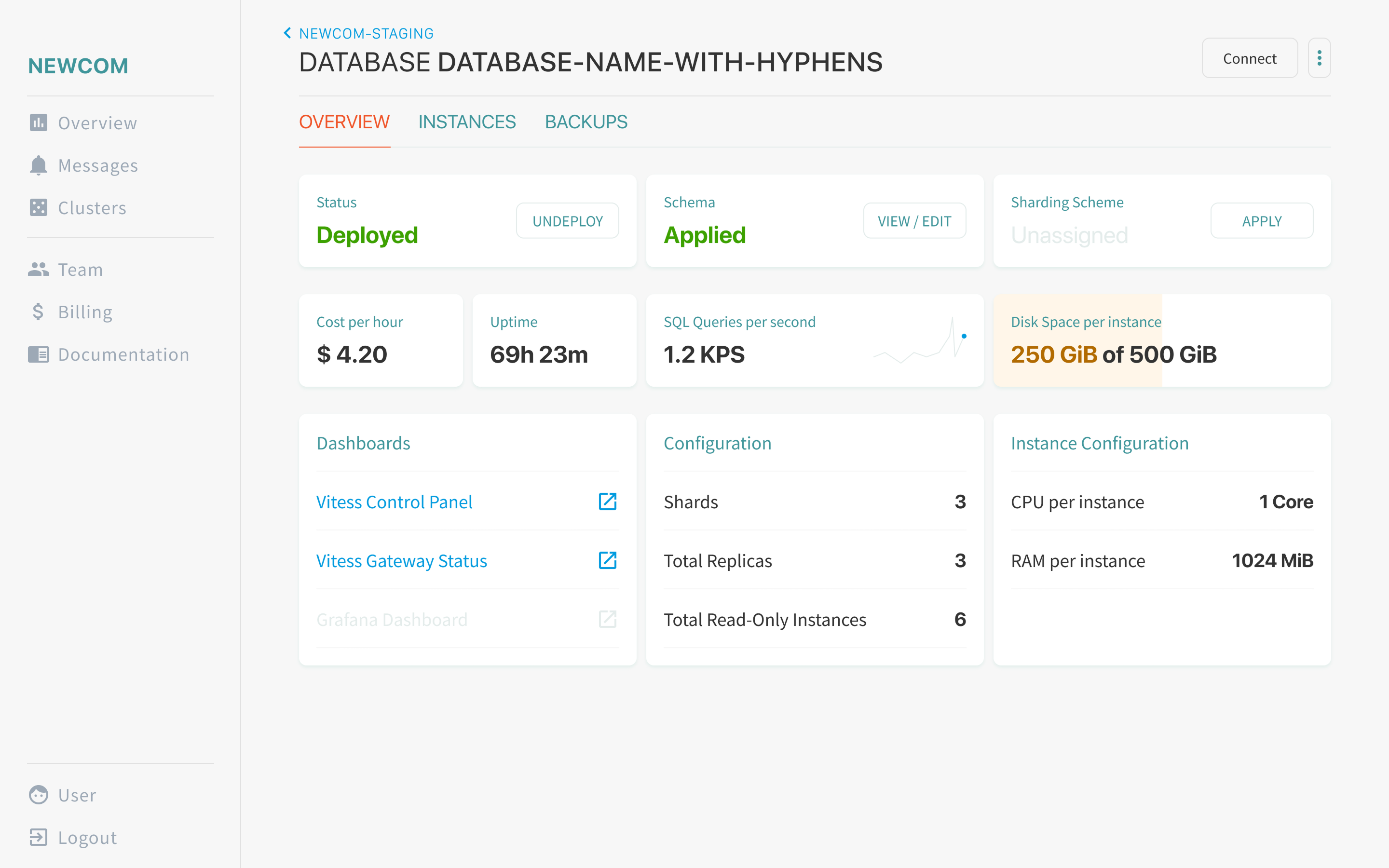
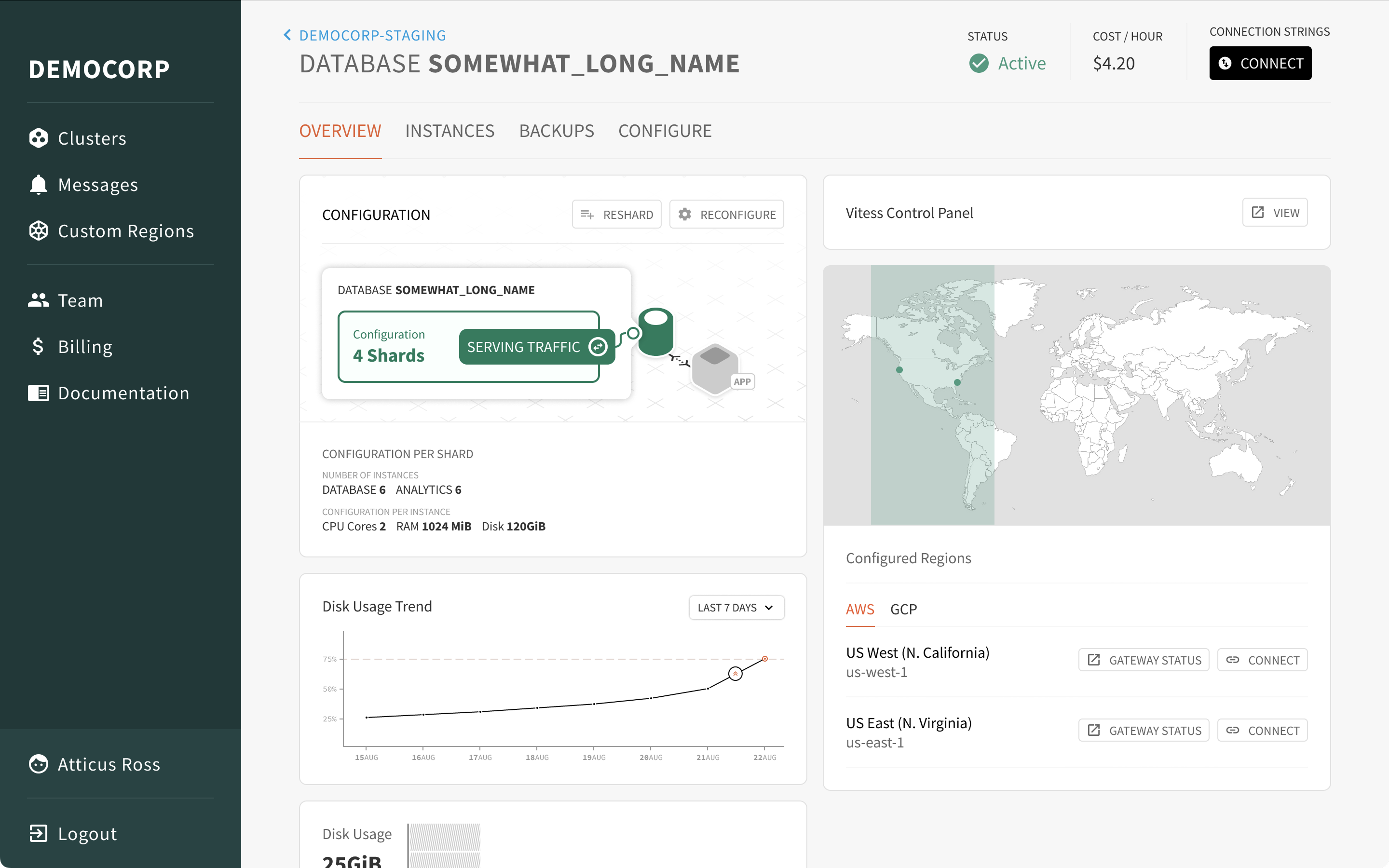
Resharding: From complex config files to simplifying decisions
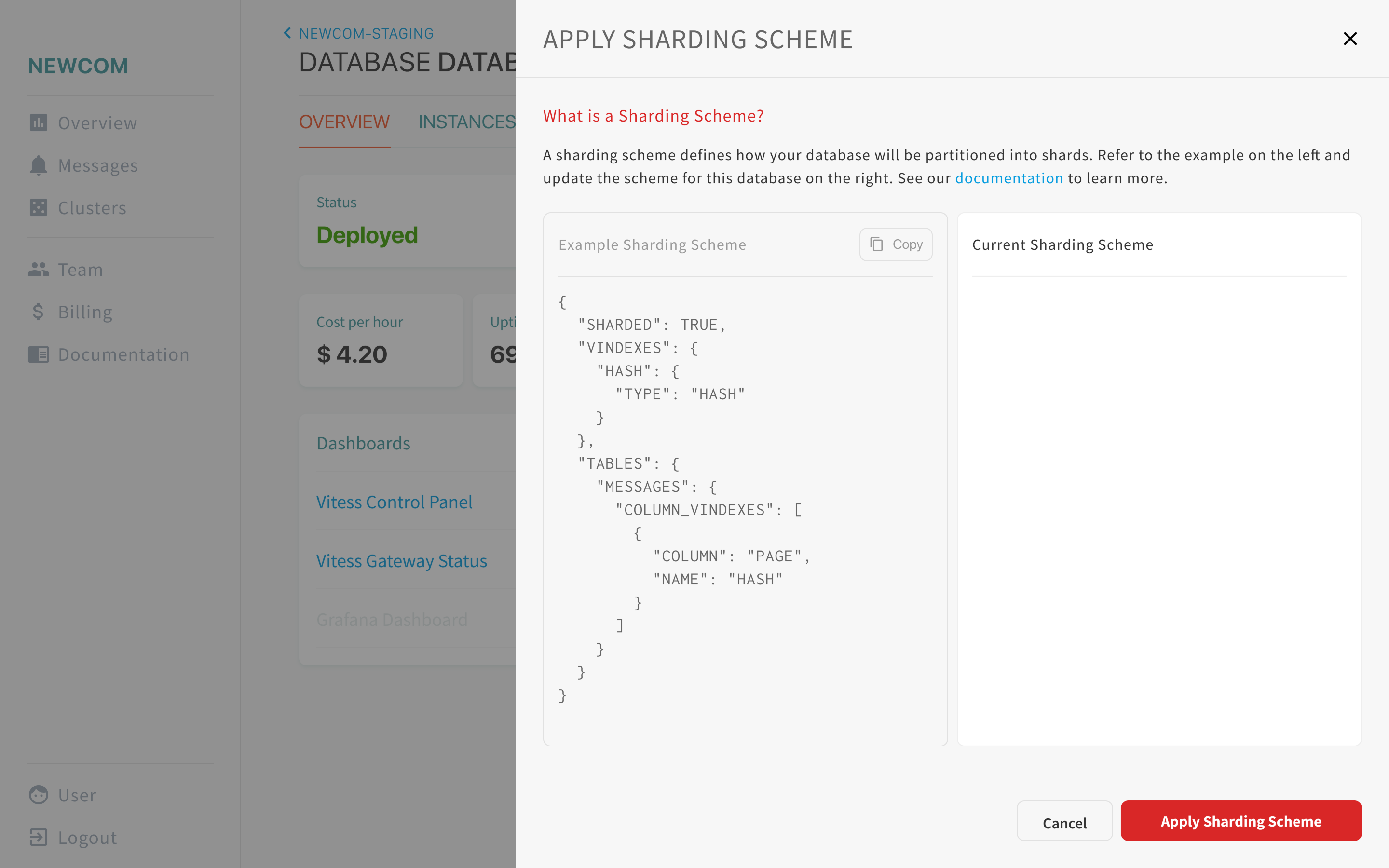
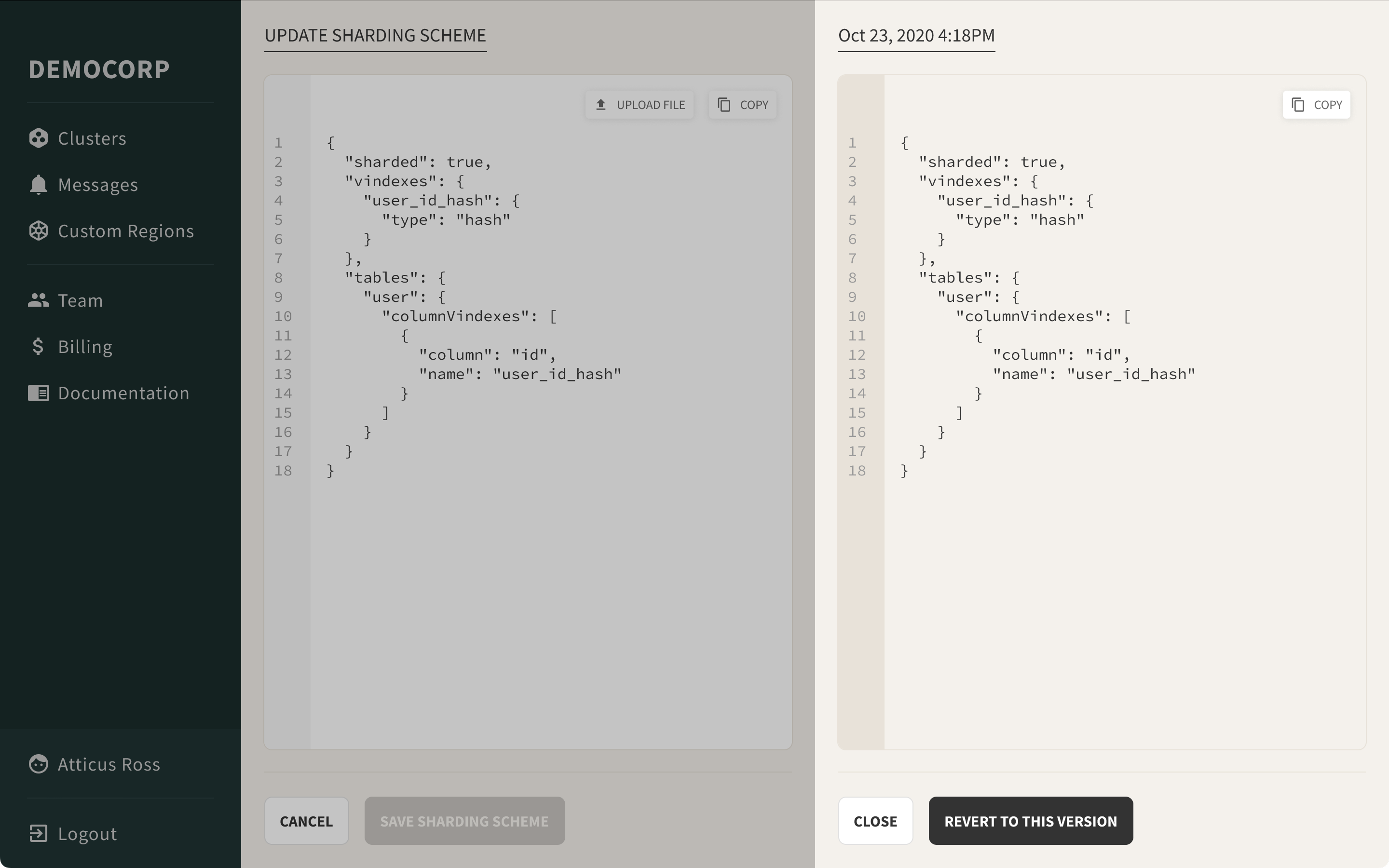
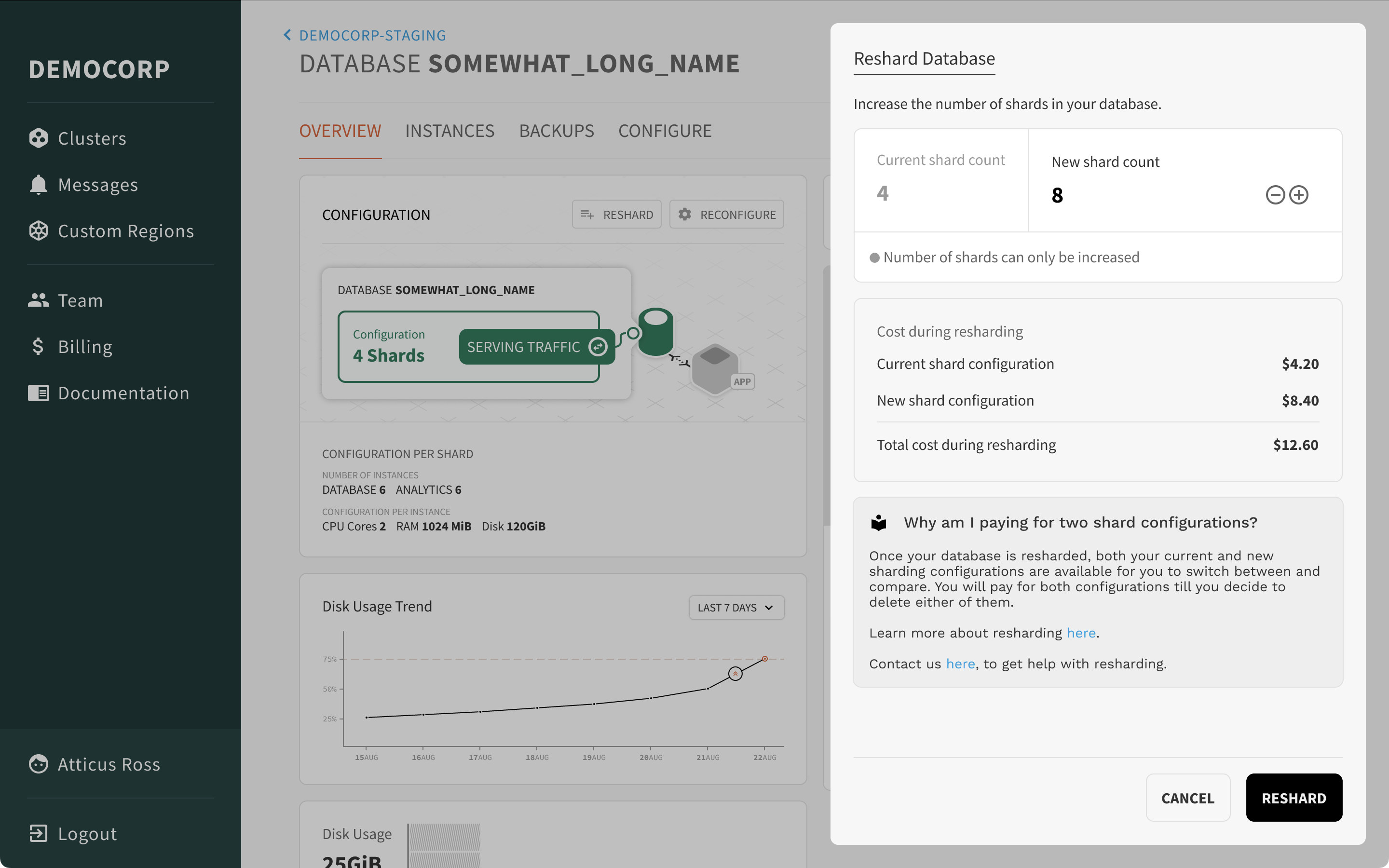
For a user to reconfigure their database’s sharding setup, they would have to modify and update the sharding scheme, and redeploy the database. We first introduced versioning for users to keep track of the changes that were made to the sharding scheme over time.
It was becoming clear that power users could deal with configuration files without using the UI, and to sell sharding we needed to simplify it further. To that end, we removed the need for users to define a sharding scheme altogether and instead, let them focus on the end goal of increasing the number of shards.
Bring your own database
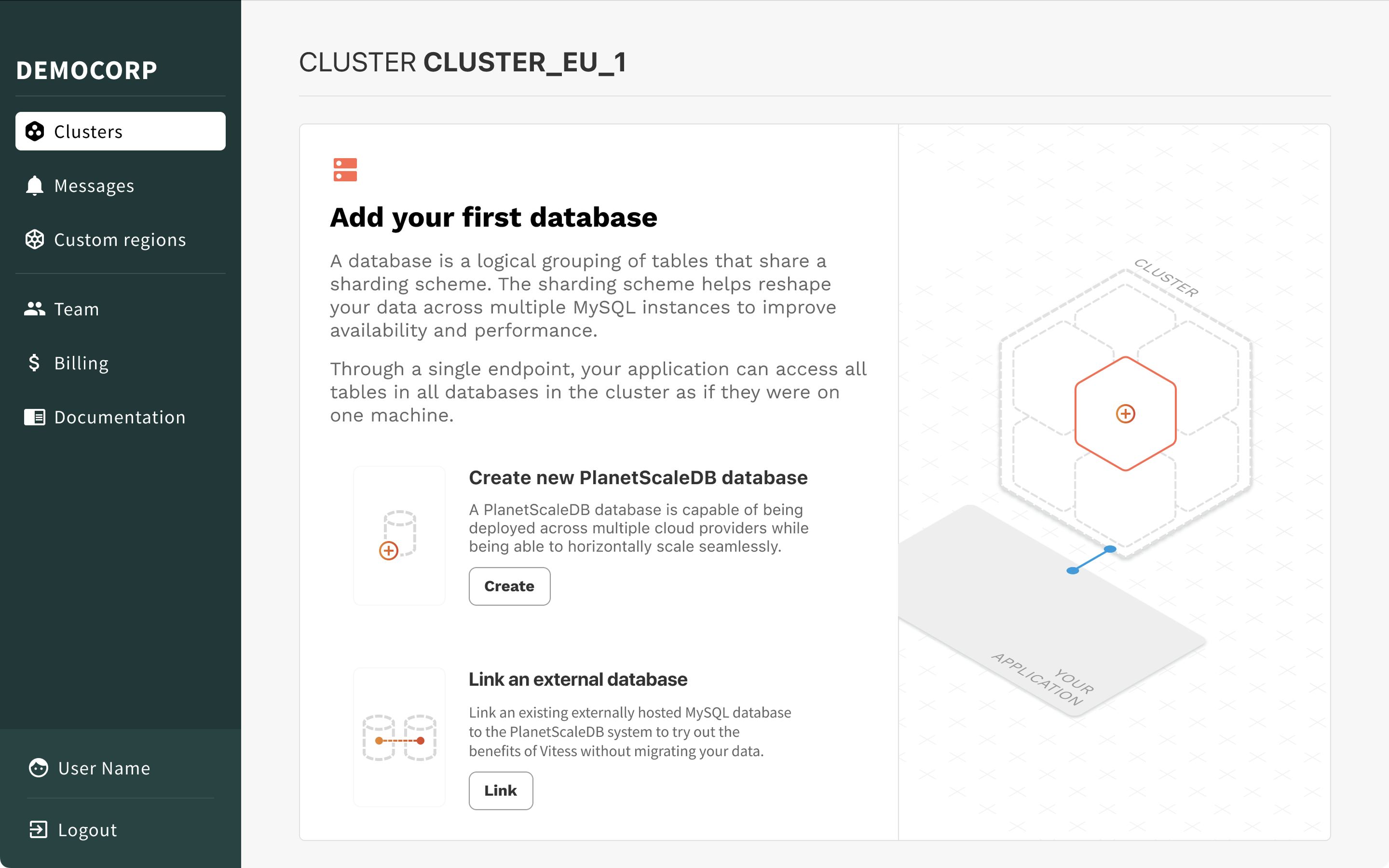
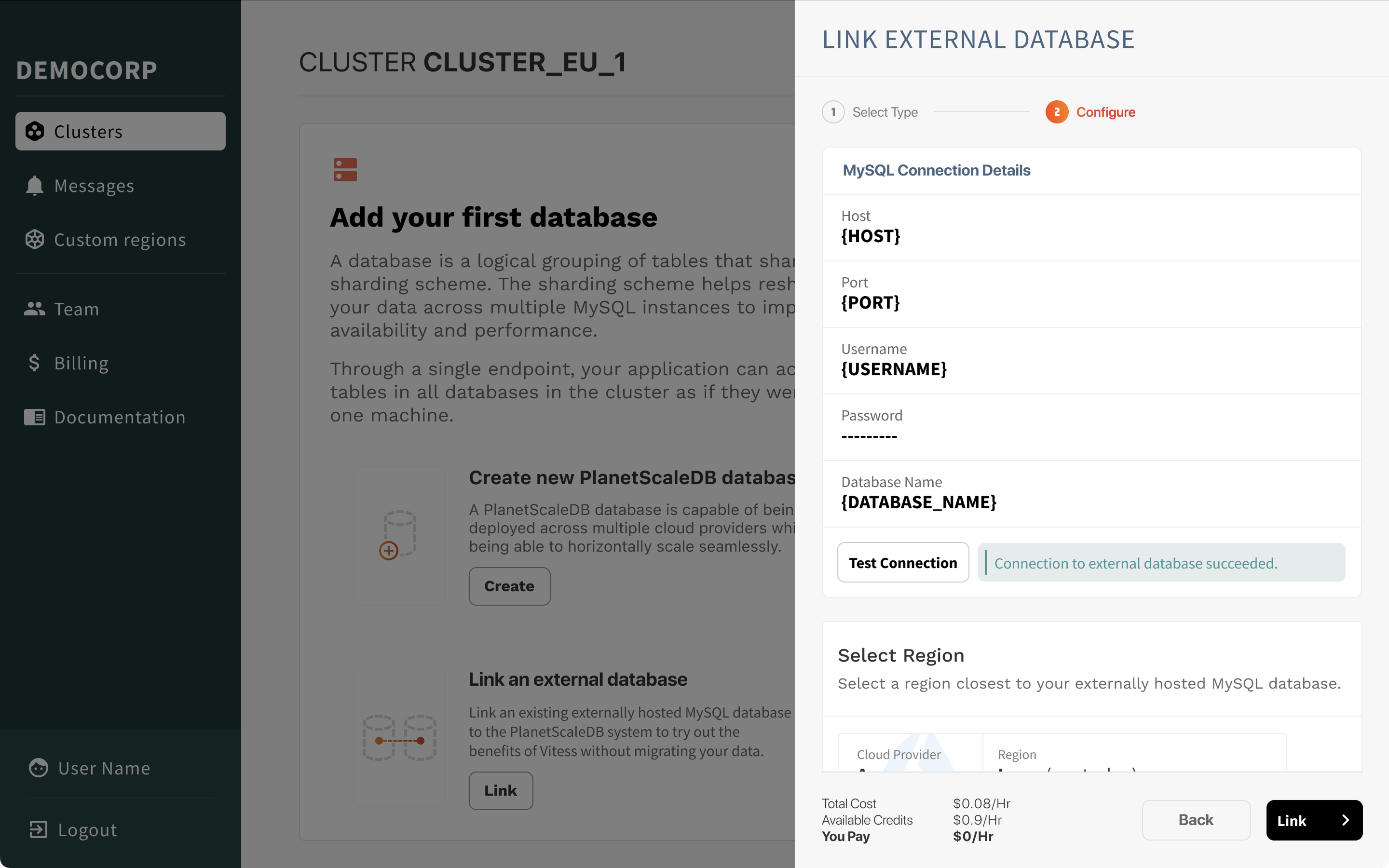
One of the engineers realized that to showcase the power of PlanetScale’s sharding technology, we could let users bring their own existing MySQL databases and shard them on PlanetScale’s infrastructure. This would allow users to see the benefits of sharding without having to set up a new database from scratch.
My job then was to help design the user flows and UI components to make this process as seamless as possible. We called this feature internally: “Bring Your Own Database” (BYOD).
Improving foundational SaaS UX
Any SaaS product needs to have a solid foundation of user experience patterns that make it easy for users to onboard, understand the product’s value, and manage their accounts. In the case of PlanetScale, this meant focusing on the login and signup flows, billing, and user roles and permissions.
Login and signup flows
Read about how I revamped the login workflow to showcase the free tier in the case study below.
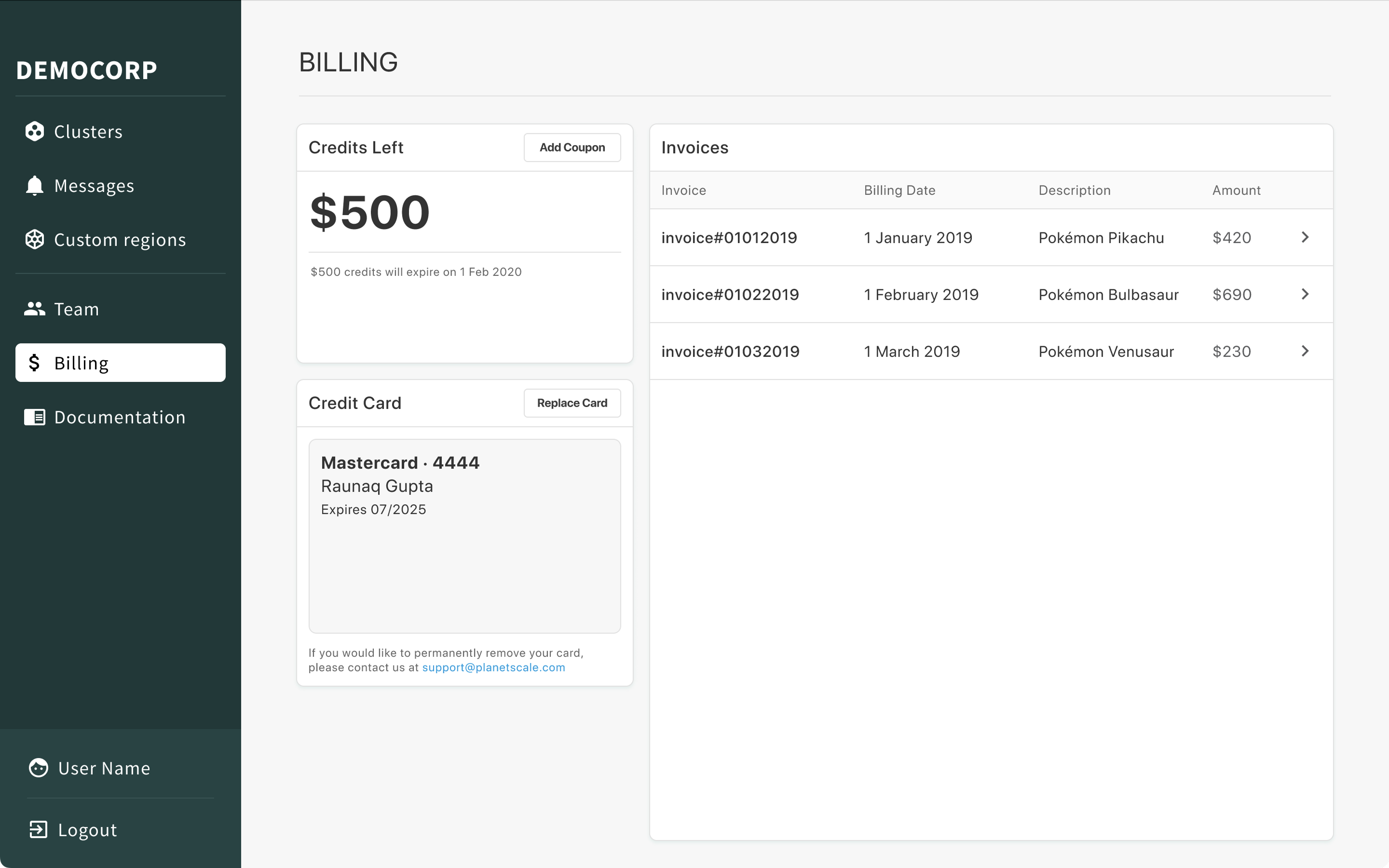
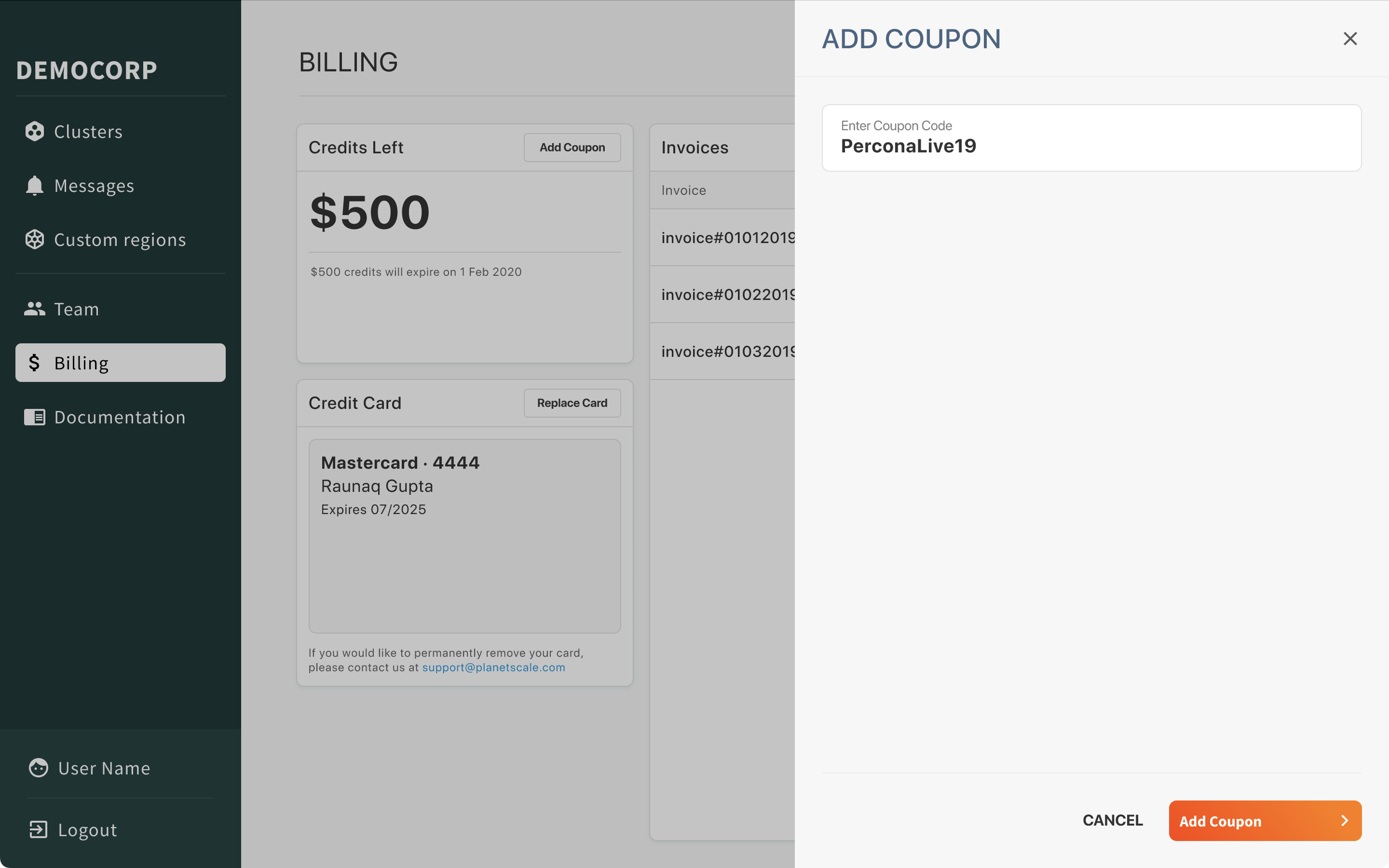
Billing